Support Center

Get help and find answers for CBODY GO

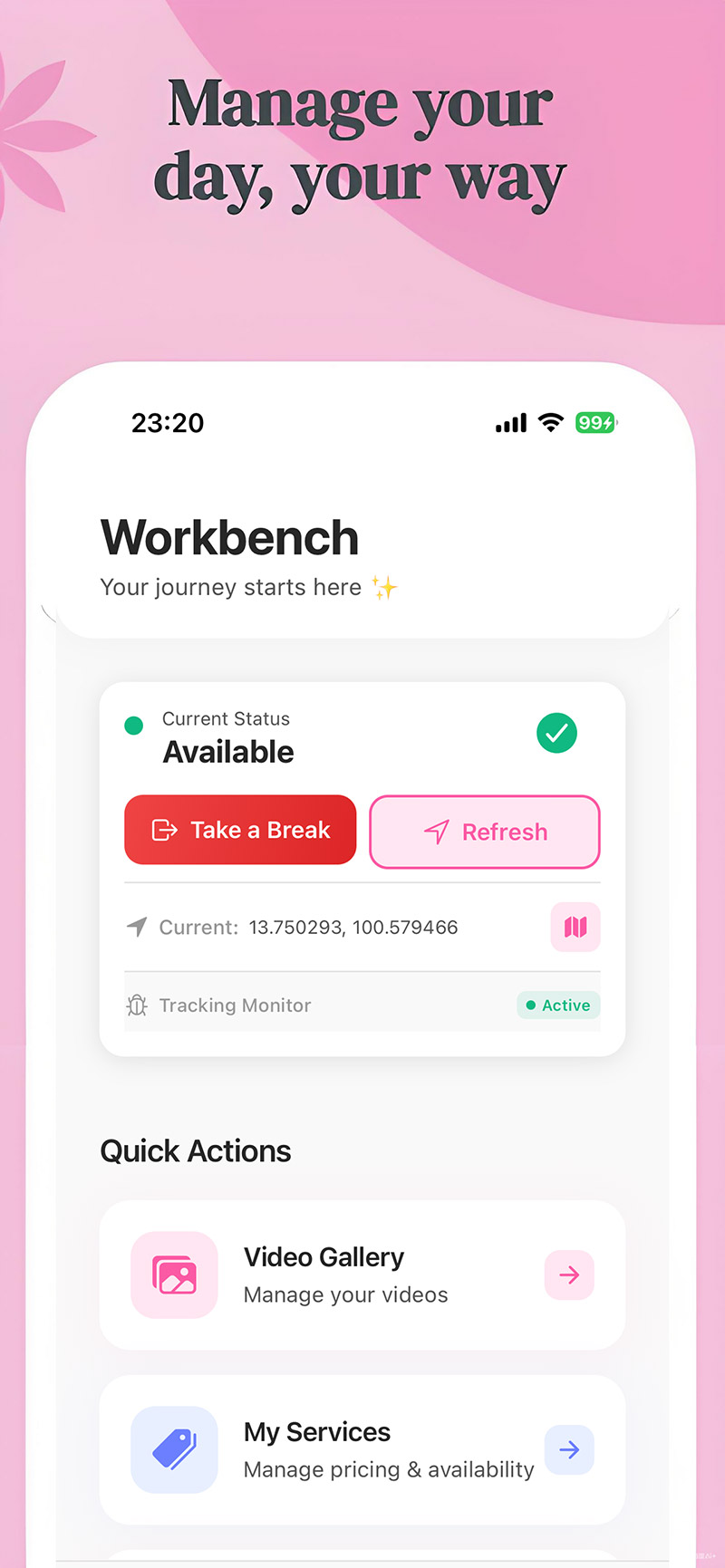
Experience CBODY GO

Designed for professionals who deliver excellence

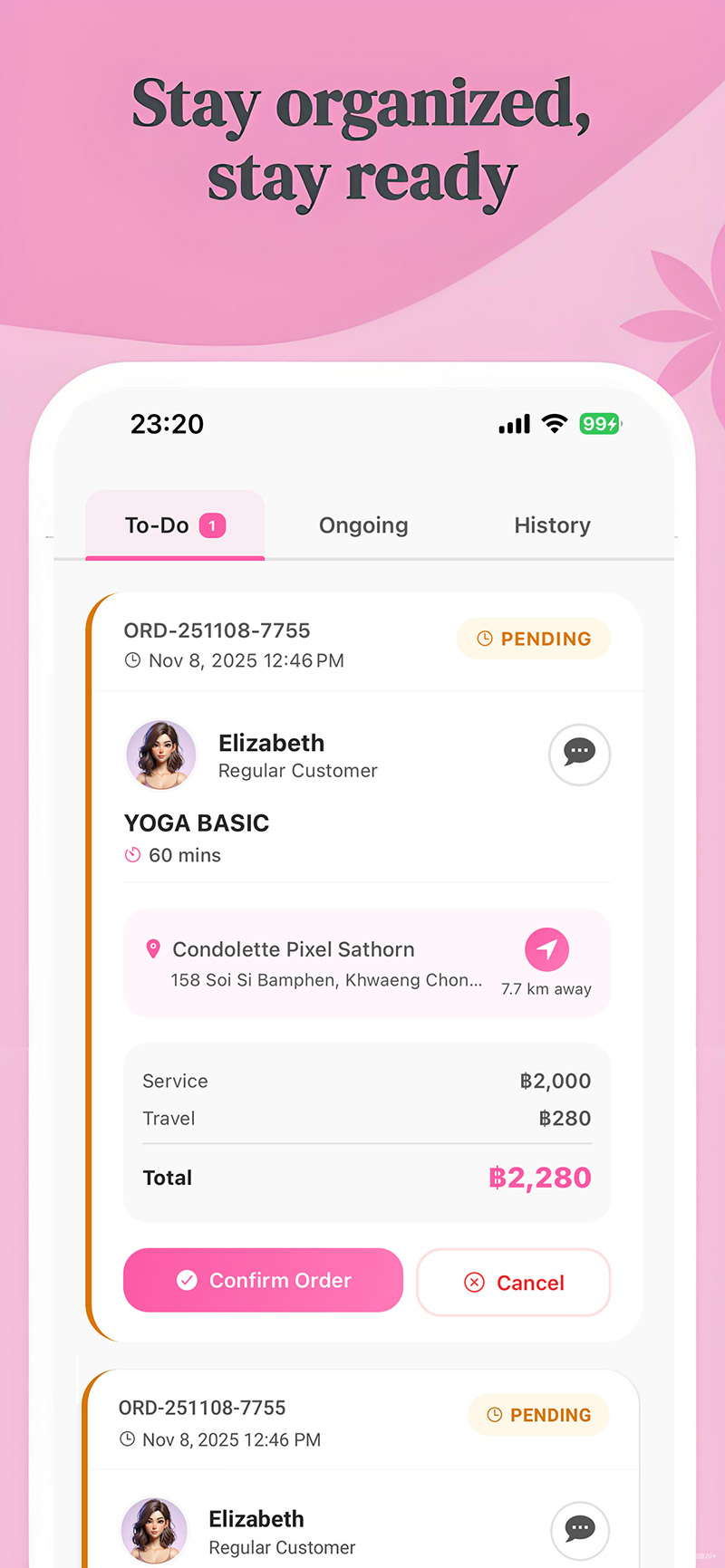
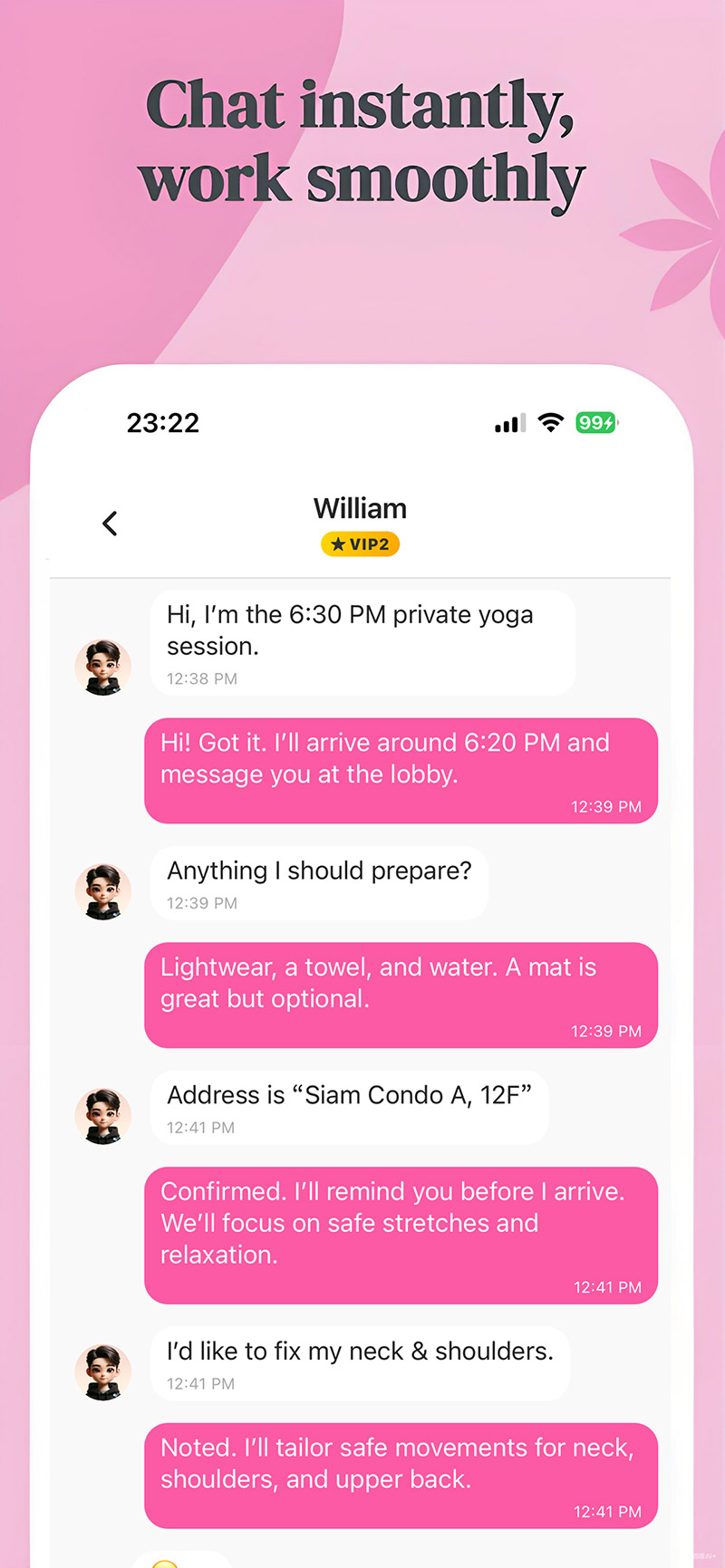
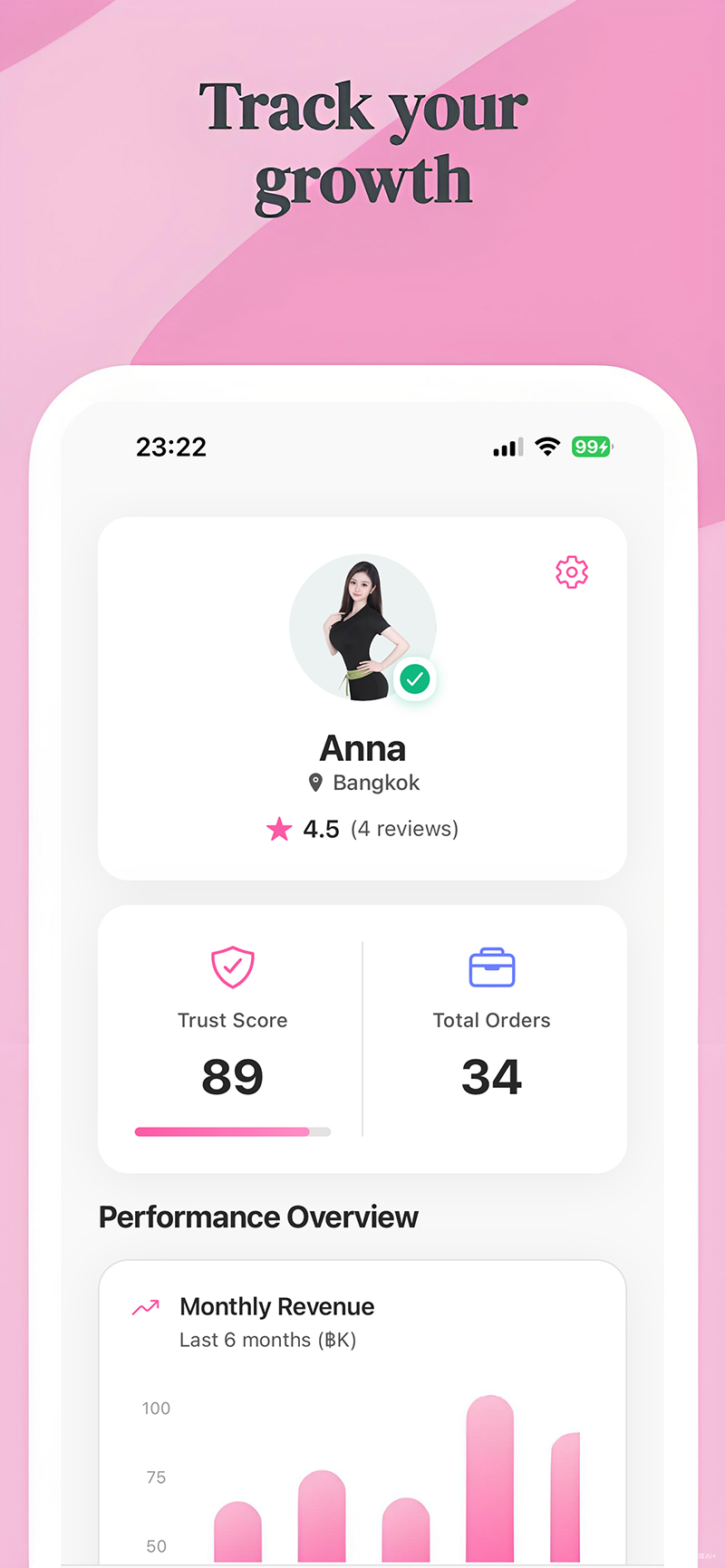
CBODY GO Interface
Booking Management
Customer Communication
Schedule Overview
Service History

Built for professionals

Everything you need to manage your independent practice with confidence

Smart Scheduling
Manage bookings effortlessly with an intuitive calendar interface designed for busy professionals
Secure Messaging
Communicate with customers through our encrypted in-app messaging system
Verified Providers
Join an exclusive platform built specifically for verified service professionals
Complete History
Access detailed records of all services and customer interactions
Location Services
Navigate to appointments efficiently with integrated mapping
Real-time Updates
Stay informed with instant notifications for new bookings and messages

Frequently asked questions

Why can't I sign in with Apple?
Make sure you're using the same Apple ID you used during registration. If issues persist, try signing out and back in to your Apple ID in Settings, then attempt to sign in again. Contact support if the problem continues.
Why am I not receiving notifications?
Check that notifications are enabled in your device Settings under CBODY GO. If they're enabled but you're still not receiving them, try reinstalling the app or contact support.
How do I delete my account?
You can delete your account in the app: Profile → Settings → Account & Privacy → Delete Account. If you can't access the app, email cbodyspa@gmail.com with your registered email.
How long does verification take?
Provider verification typically takes 24-48 hours after submitting all required documents. During peak periods, it may take up to 72 hours. You'll receive a notification once your verification is complete.
What services are allowed on the platform?
CBODY GO supports professional on-site services including wellness (massage, spa, skincare), fitness coaching, and lifestyle experiences. All services must comply with local laws. Illegal activities are strictly prohibited.
How do I update the app?
For iOS, check the App Store Updates tab. For Android, check Google Play Store. You can enable automatic updates in your device settings to always have the latest version.
Delete your account
You can permanently delete your account directly from the app. This action cannot be undone, and all your data will be removed.
Profile → Settings → Account & Privacy → Delete Account
Can't access the app? Email us at cbodyspa@gmail.com with your registered email address. We'll process your request within 48 hours.

Get in touch

Our support team is here to help

Thank you. We'll get back to you within 48 hours.